
A POS system for Zimbabwe
Customers pay with mobile money, the connection comes and goes, and you still need to know what's on your shelves. Vendora is built for that.
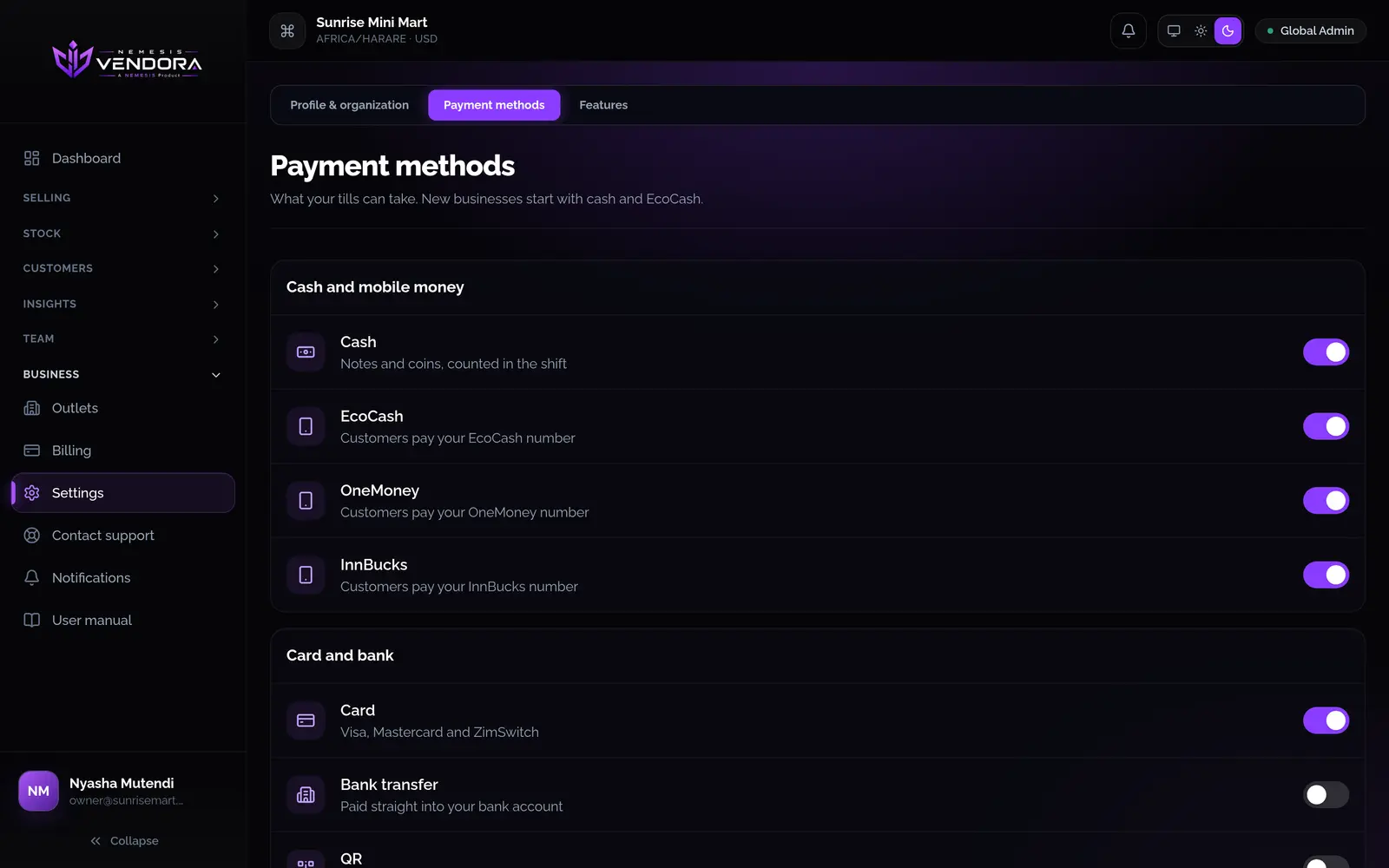
EcoCash and other mobile money
- A new business starts with cash and EcoCash switched on. OneMoney, InnBucks, card, bank transfer and QR can be switched on when you need them.
- Add the numbers your customers pay into. When a cashier takes mobile money, they pick which number the customer paid and type the reference.
- The mobile money page lists every mobile payment taken at your tills, so you can check it against your statement.
- If you pay for Vendora itself by EcoCash, you get a prompt on the phone number you enter and approve the payment there.
When the connection drops
The Android app keeps selling with no connection. Sales, shifts, clock-ins and new customers are saved on the phone and sent when it's back online. If you sold on paper, for example during a power cut, enter the paper receipt afterwards and the stock comes off.
Your own time zone
Each outlet has its own time zone, such as Africa/Harare. Reports and discount hours follow it, so your day ends when your day ends.
Tax
Set the tax rates you charge, either added on top of the price or already inside it, and see tax by rate in the reports. Receipts and reports show your business's own currency.
Growing
Start with one till, then add outlets, devices and staff as you grow, within your plan. Roles keep each person to what they need, and the audit trail records who did what.
Questions people ask
Does Vendora take the EcoCash payment for me?
No. The customer pays on their own phone. Vendora records the payment, which of your numbers it went to and the confirmation reference, so your records and your statement can be compared.
Does it work without internet?
The Android app keeps selling with no connection and sends everything when it returns. A few things, like price lists, need a connection because the server works out the prices.
Which currency does it use?
Your business has a currency set on its account, and receipts and reports show it.