
Point of sale for shops
Know what you sold and what you have left
Vendora is a till and stock system for shops, takeaways and wholesalers. Use it in a browser or on an Android phone. When the internet goes down, the phone keeps selling.
Start free trialSee what it does
- Browser and Android
- Cash and EcoCash from day one
- The phone sells offline
- Authenticator-app sign-in
What Vendora does
Six parts, each with its own page.
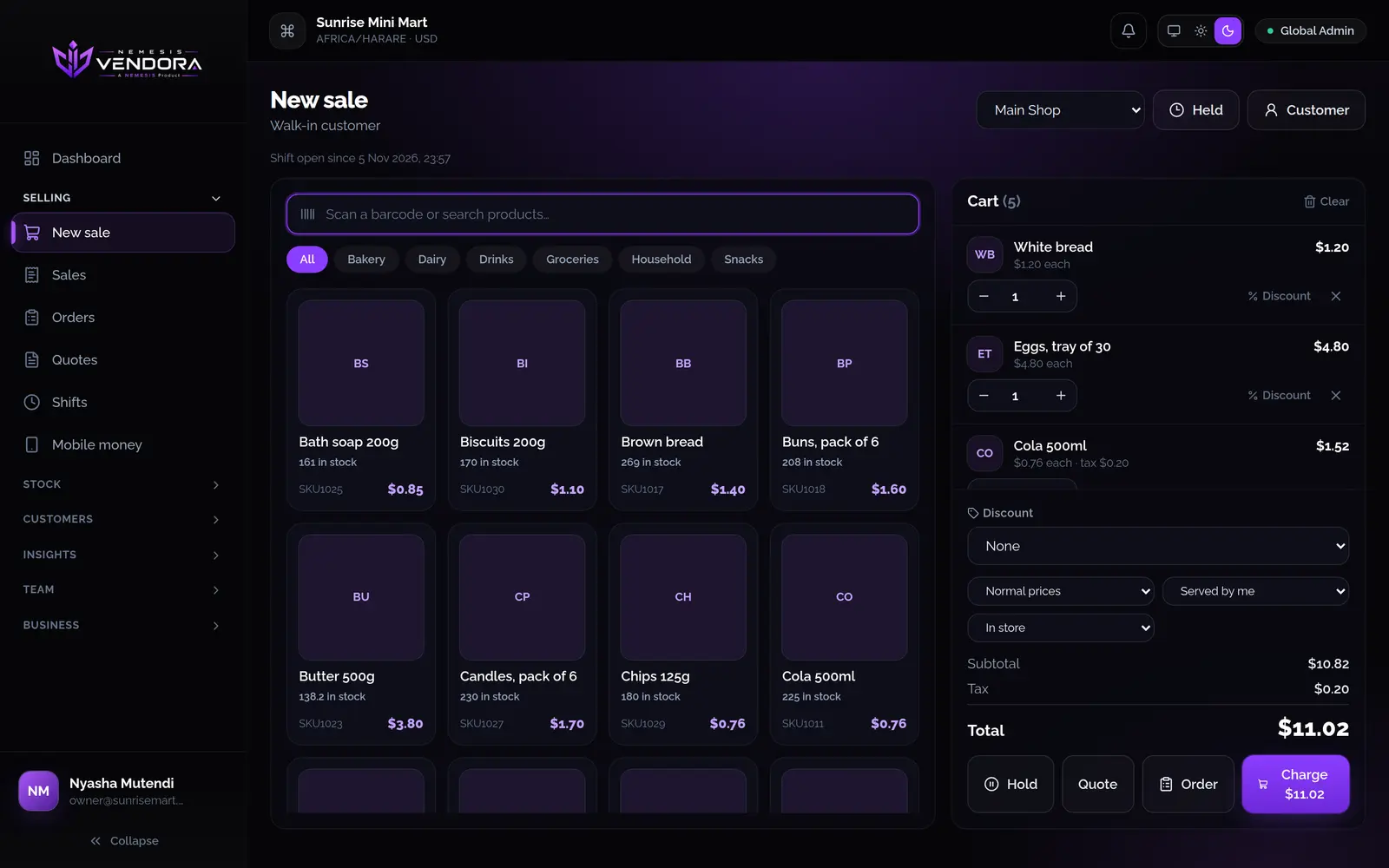
Point of sale
Scan or search, split the payment, hold a sale, take a deposit. Close each shift with the cash counted.
Read moreInventory and stock
Order from suppliers, receive deliveries, move stock between shops and count the shelf. Every change shows who made it.
Read moreCustomers and credit
Set credit limits, take prepaid top-ups, record payments and see who owes you.
Read moreStaff and security
Decide what each person can do. See who signed in and what they changed.
Read moreReports
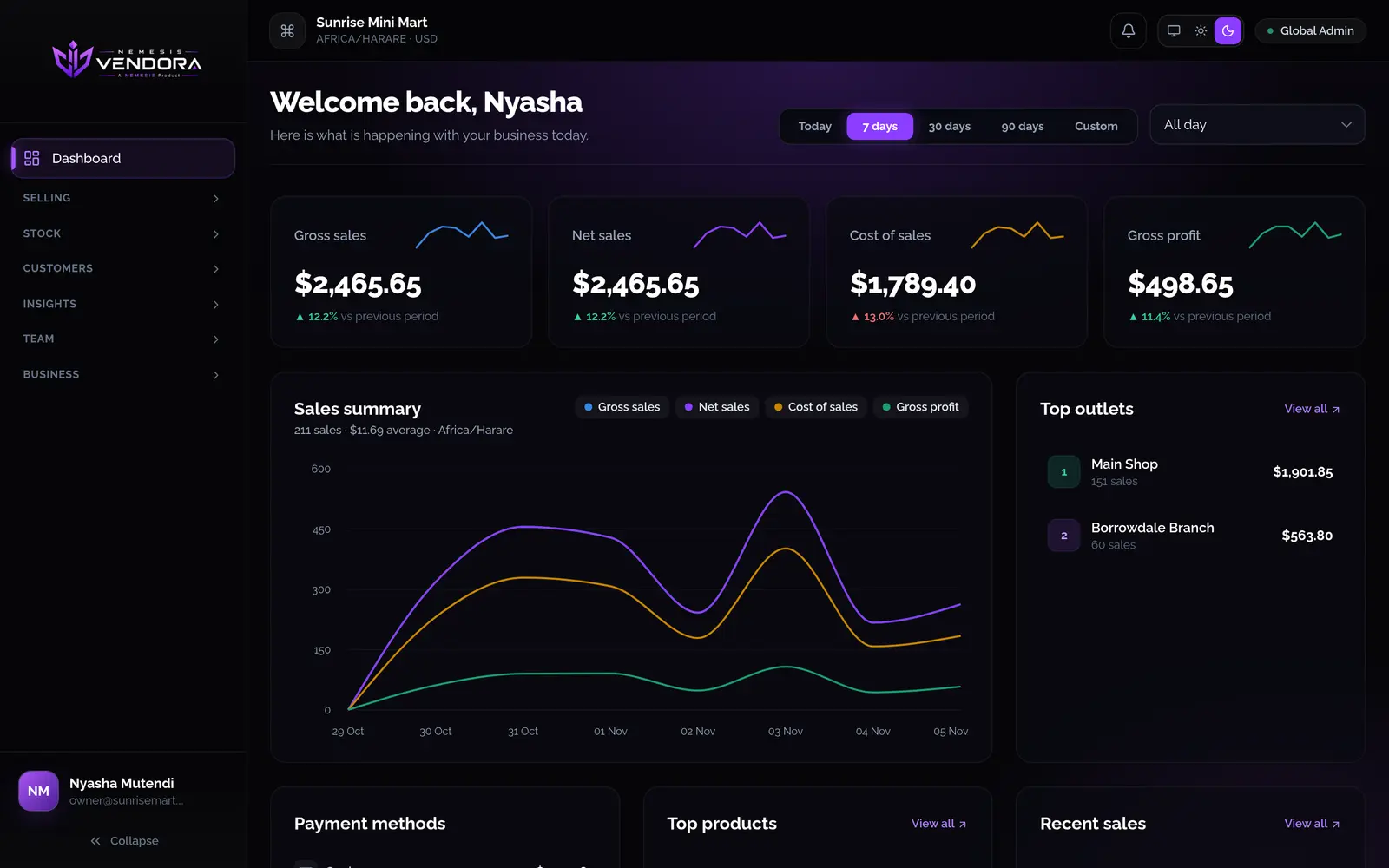
Sales, stock, profit and tax. One report checks that sales, payments, cash and stock agree.
Read morePhone app
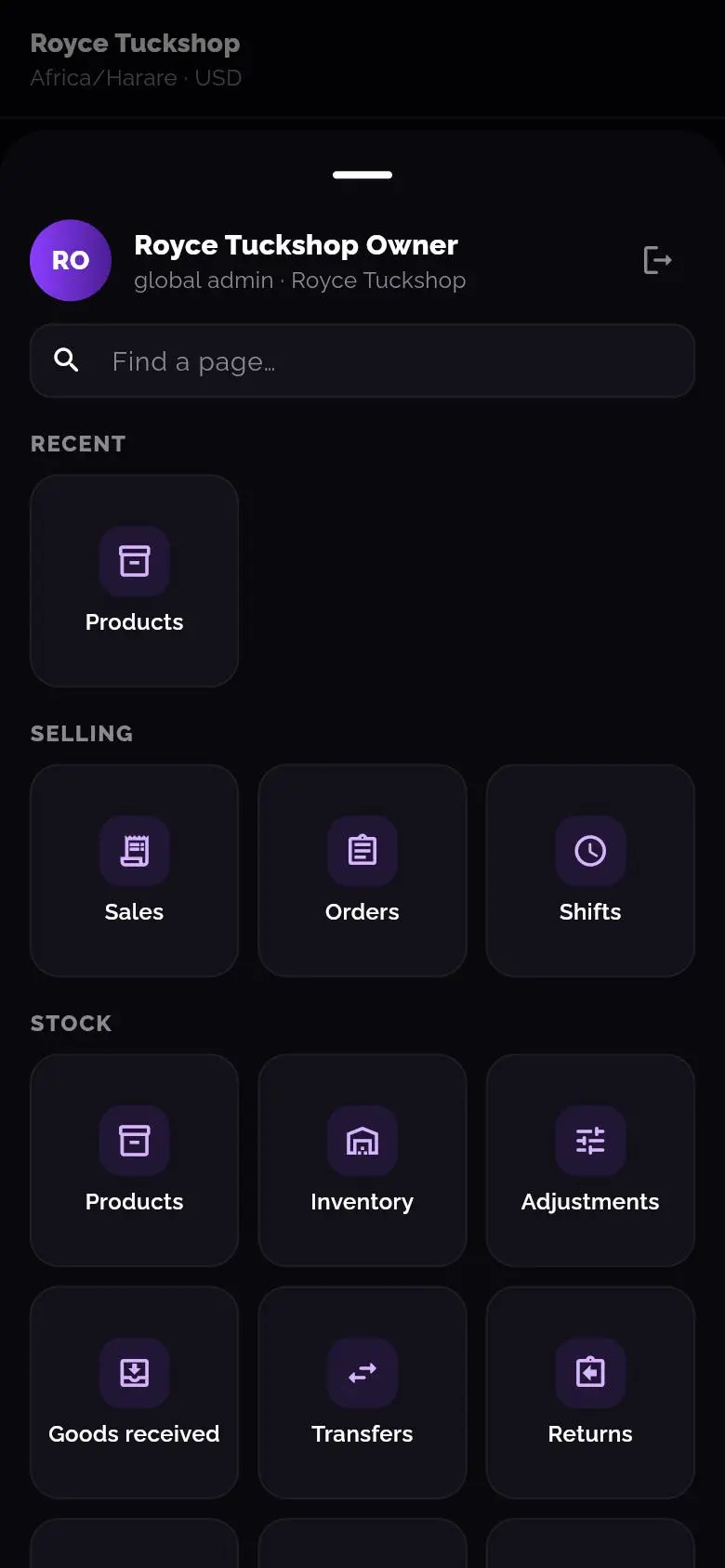
An Android till with a camera scanner. It keeps selling without internet and sends everything later.
Read moreWhen the internet goes down, keep selling
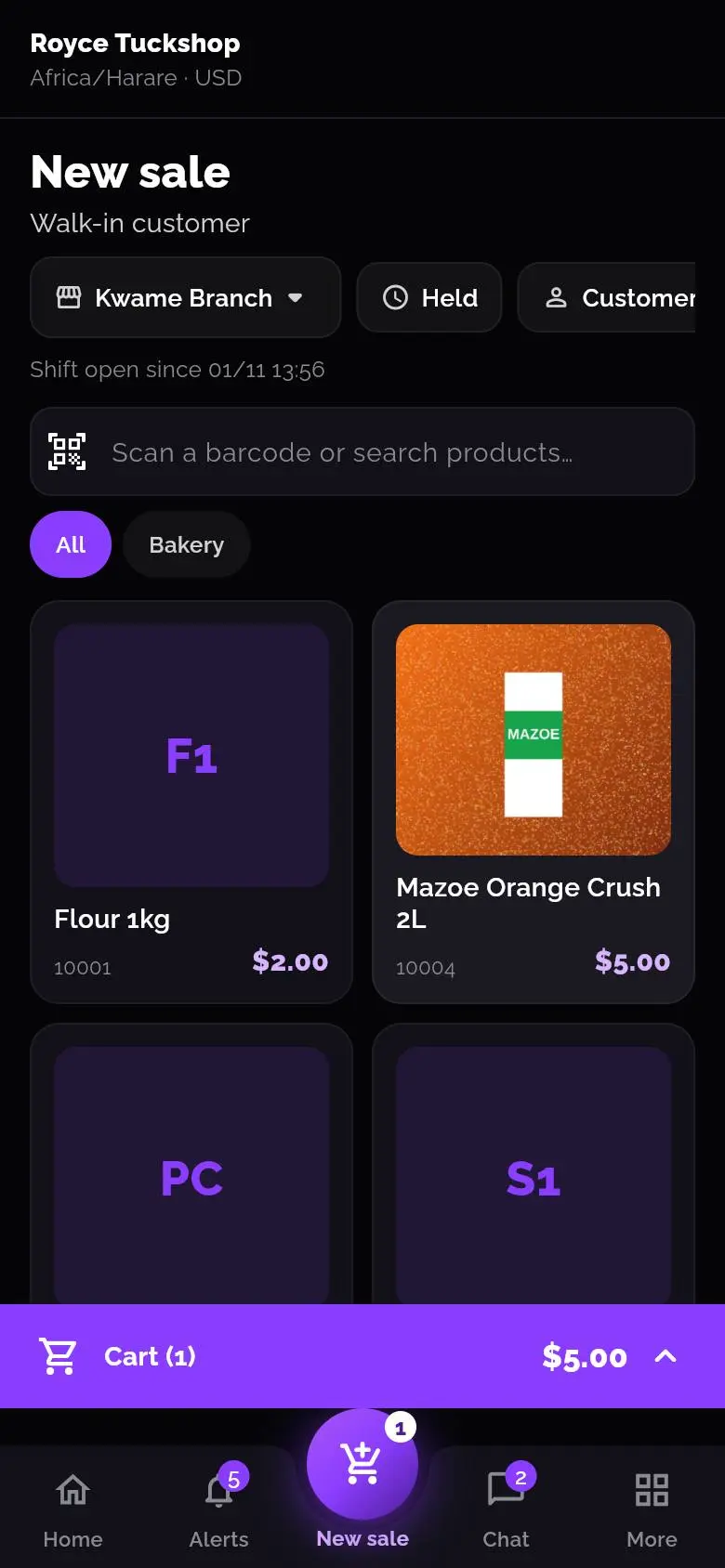
The Android app is a full till. Without a connection you keep ringing up sales. The phone saves them, along with shifts, clock-ins and new customers, and sends everything when the connection comes back. If you try to sign out with something unsent, Vendora warns you.
- Scan barcodes with the phone camera
- Sign in with a PIN or fingerprint
- Print receipts over Bluetooth or the network
- Enter paper receipts afterwards, for example after a power cut
Find out why a number is wrong
Stock only changes through a sale, refund, delivery, return, adjustment, transfer, count or production run. Each one is saved with the name of the person who did it. Open any product and you can see every movement and the balance after it.
- One report checks whether sales, payments, cash and stock agree
- Sign-in logs and an audit trail, including actions that were refused
- Alerts for self-refunds, large cash-outs and stock write-offs
Setting up takes an afternoon
A shop with ordinary needs can do it in one sitting.
- Register your business and set up an authenticator app.
- Add your outlets and products. Type them in or import a spreadsheet.
- Add your staff and choose what each role can do.
- Switch on the ways you get paid, such as cash, EcoCash or card.
- Ring up a test sale and check that the stock goes down.
- Open the shop.
Questions people ask
What is Vendora?
A till and stock system for shops, restaurants and wholesalers. It handles selling, stock, customers, staff and reports, in a web browser and on an Android phone.
Does it work without internet?
The Android app keeps selling when the connection drops. Sales, shifts, clock-ins and new customers are saved on the phone and sent when it's back online. A few things need a connection, like price lists, because the server works out the prices.
Which ways of paying does the till support?
New businesses start with cash and EcoCash. You can switch on OneMoney, InnBucks, card, bank transfer, QR, store credit and on account. Vendora records how the customer paid, including which of your mobile money numbers they used and the reference. The payment itself happens on the customer's own phone or terminal.
Can I run more than one shop?
Yes. Each branch is an outlet with its own stock and time zone. You can move stock between outlets and compare their sales. How many outlets, devices and staff accounts you can have depends on your plan.
Can I bring in my products and customers?
Yes. Import them from a CSV or Excel file. You see a preview first, and nothing is saved until you confirm. Opening stock and opening debt can go in at the same time.
How do I control what staff can do?
Give each person a role, which is a set of ticks for what they're allowed to do. Vendora also records every sign-in and every action in access logs and an audit trail.
How much does it cost?
The pricing page lists the current plans. Each plan sets how many outlets, devices and staff accounts you can have, and which features are included.
Try it with your own products
New businesses start with a free trial. Sign up, add a few products and ring up a test sale.