
Vendora for restaurants and takeaways
Take orders quickly, get the extras right, and see what your ingredients cost. The till and the stock room live in the same system.
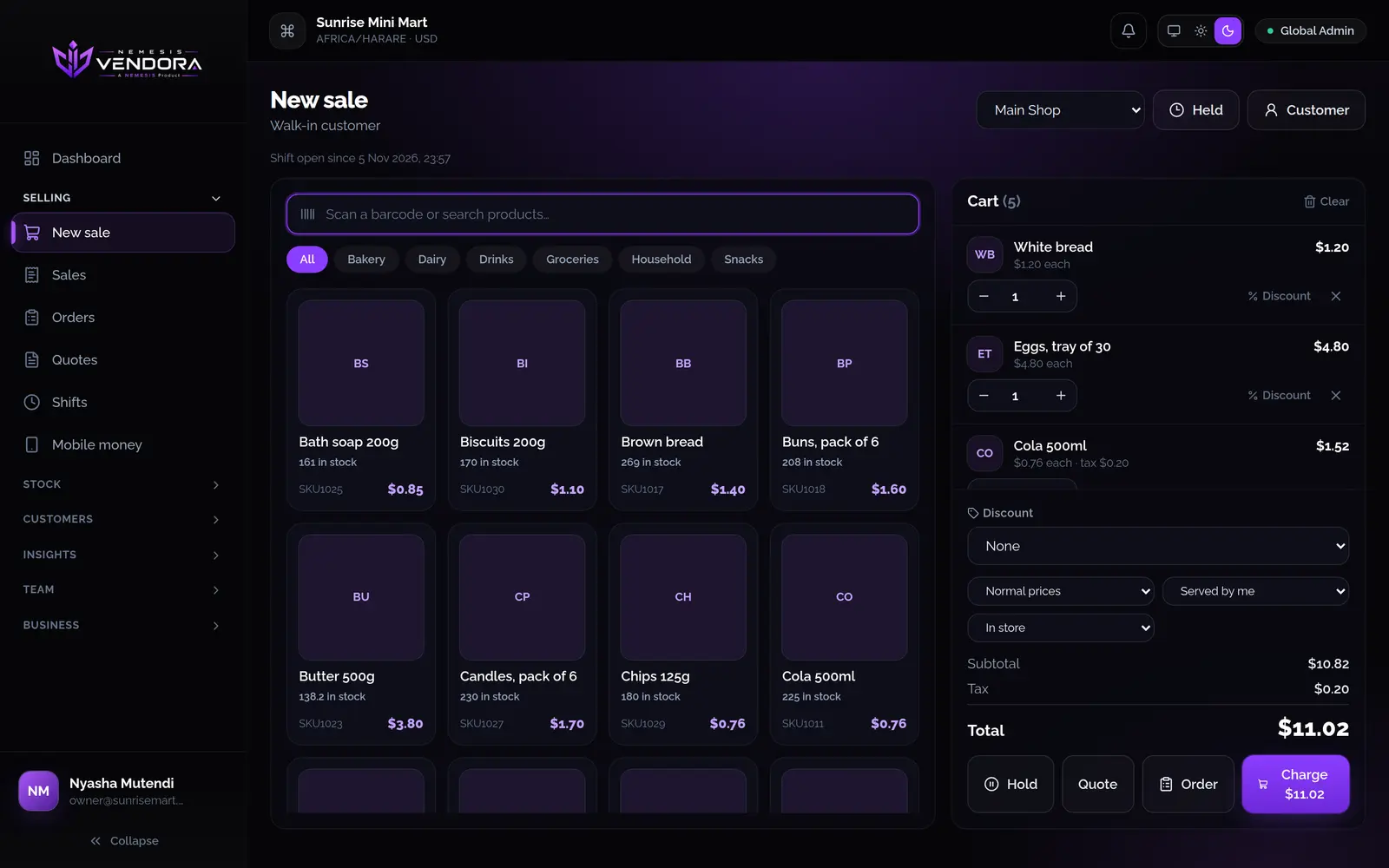
Orders
- Mark a sale as dine in, takeaway, in store, phone or online. You can add your own order types.
- Add a service or delivery charge. It goes on after discounts and tax.
- Hold a sale while you serve someone else, then come back to it.
- Choose who served, so reports and commissions credit the right person.
Extras and options
Make an option set like "Extras" once and apply it to as many dishes as you like. The till asks which options the customer wants, and the same dish with different options goes on separate lines. If you edit the set, every dish that uses it updates. Past sales keep what was sold.
Recipes and ingredients
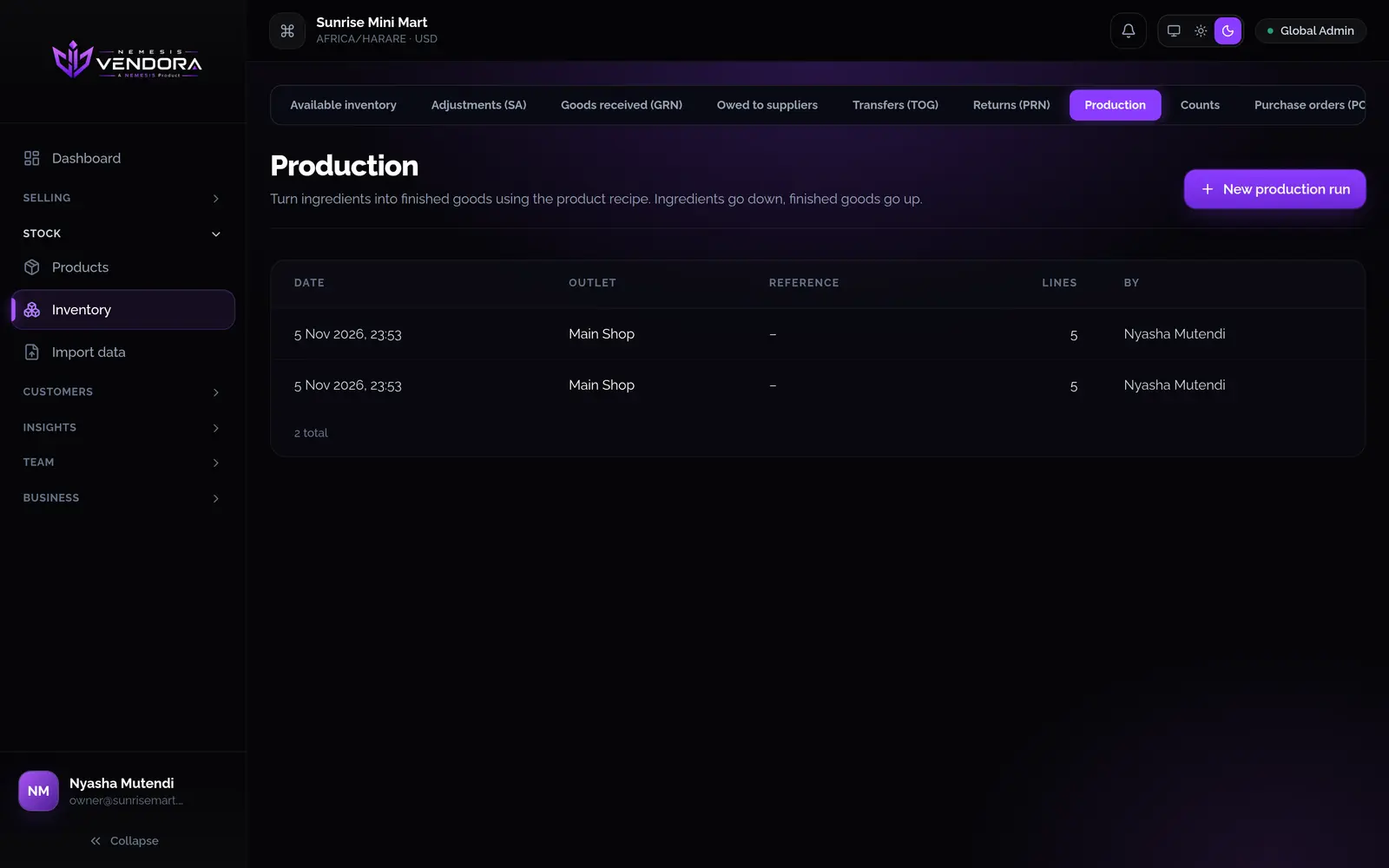
Give a dish its ingredients. When you do a production run, the ingredients come out of stock and the finished dishes go in, and both show in the history.
Catering and events
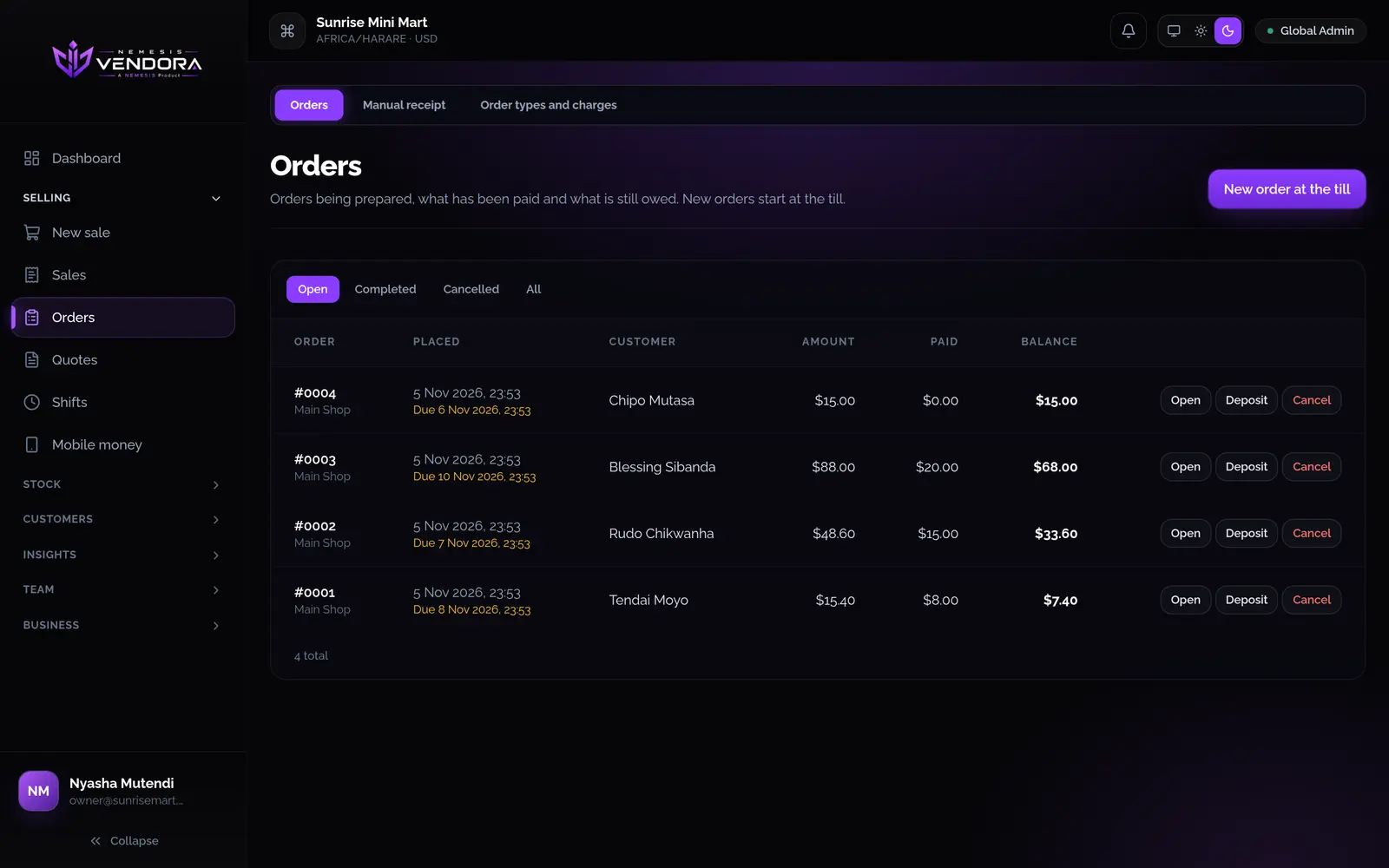
For a catering job, place an order, take a deposit and collect the balance on the day. Stock leaves when you complete the order.
Questions people ask
Does it print to a kitchen?
Vendora prints receipts to a Bluetooth or network printer, or through the phone's print dialog. If you need something specific for your kitchen, ask us.
Can staff earn commission?
Yes. A rule can pay a percentage of every sale or a fixed amount per unit, for everything, one category, one product or one person.