
The phone app and offline selling
The Android app is a full till and back office on your phone. When the connection drops you keep selling, and everything is sent once it's back. Download the app.
Selling with no connection
Sales, shifts, clock-ins and new customers are saved on the phone and sent when the connection returns. Open Sync to see what's waiting. If you try to sign out with something unsent, Vendora warns you first.
- Price lists and anything else that needs the server to check first won't work offline. Sales on a phone with no connection use normal prices.
- A sale made offline is still accepted when it syncs, because the money has already changed hands.
- Offline selling is a feature a plan can include.
Made for one hand
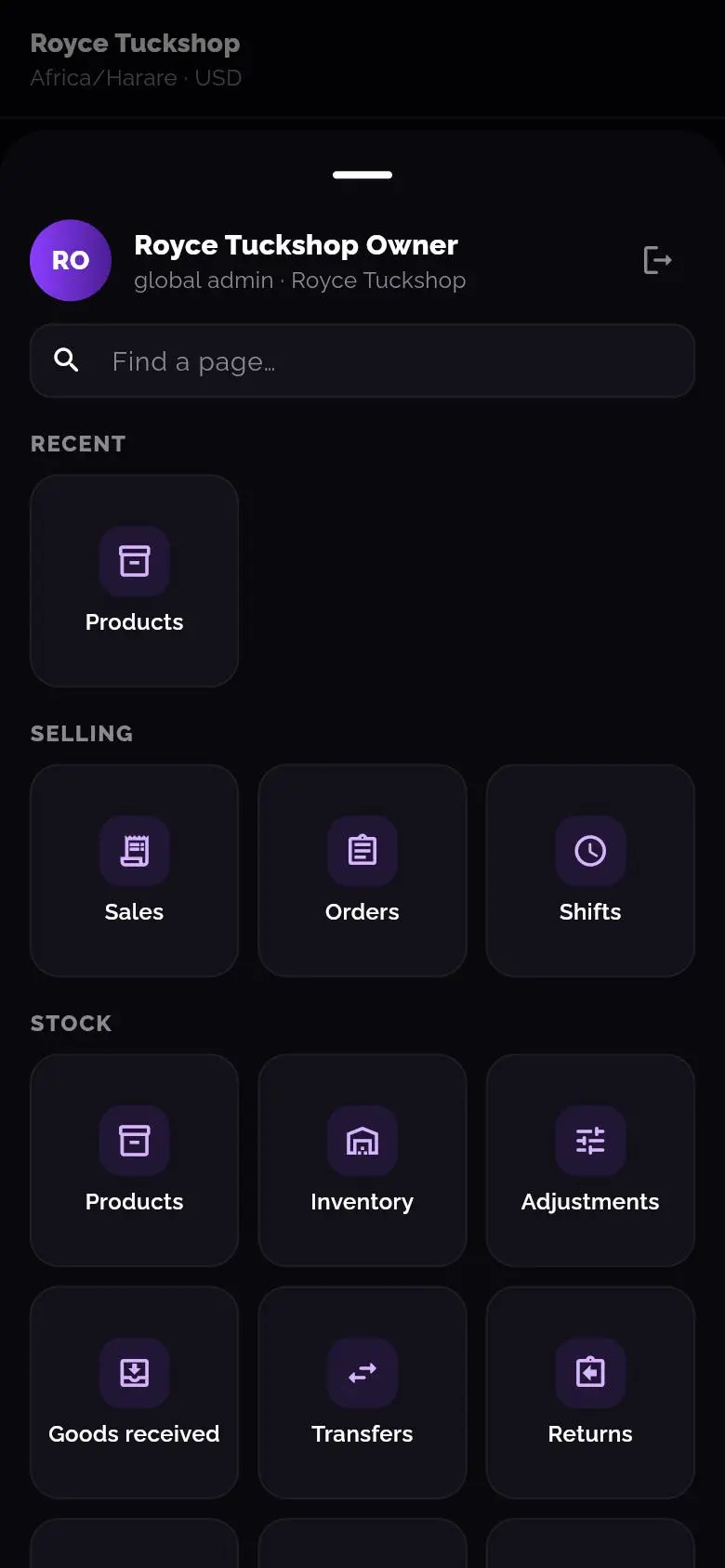
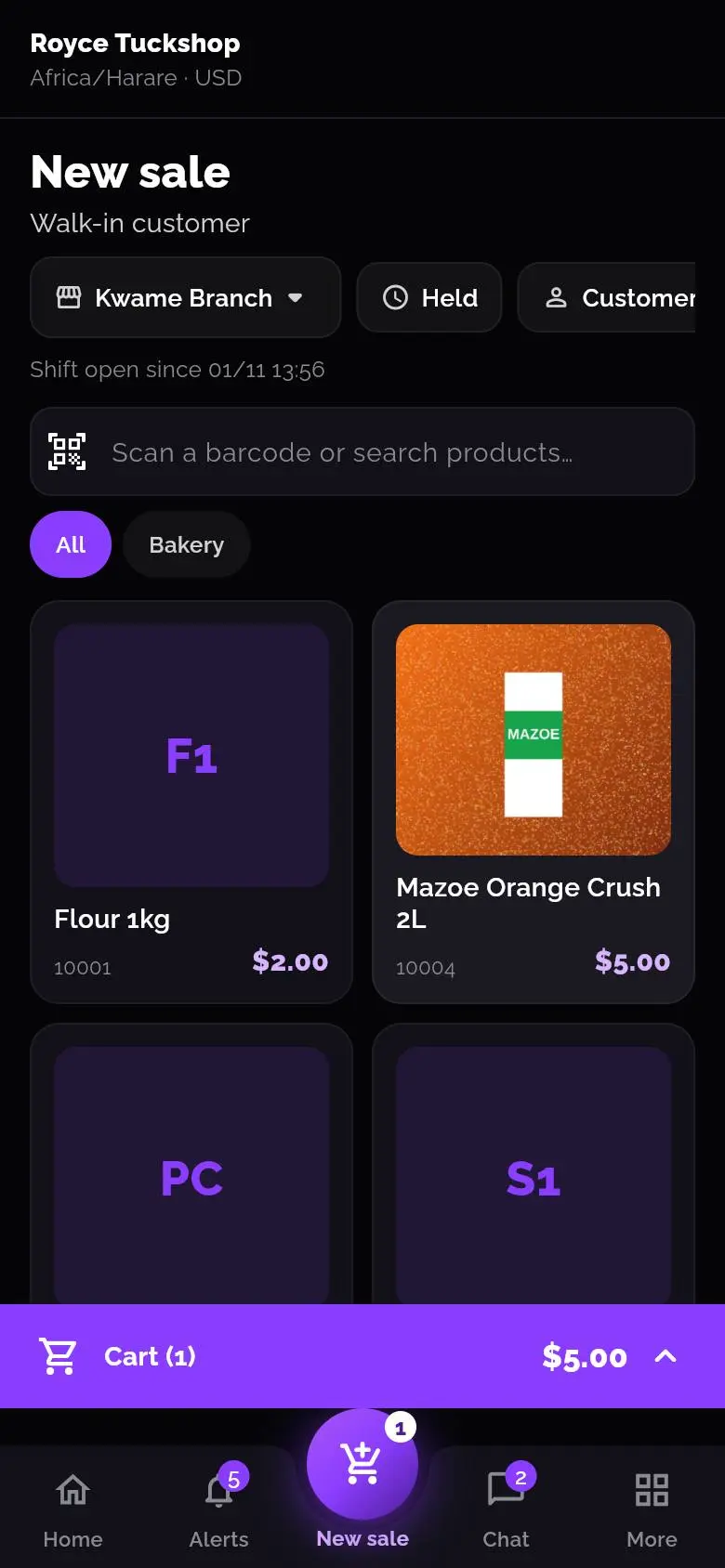
The bar along the bottom has Home, Sales, a raised New sale button, Scan and More. If your role can't do something, its button is replaced by the next most useful one. More opens every other page, with a search box to find a page by name.
Scanning
Tap Scan and point the camera at a barcode. If you already have the product, it opens. If it's a new barcode, Vendora starts adding a product with the code filled in. Stock in works the same way, so you never type a product's details twice.
Signing in and printing
- After you've signed in once, set a PIN or use your fingerprint to get back in without the password.
- Connect a receipt printer by Bluetooth or over the network, or use the phone's print dialog.
- Notifications arrive on the phone like any other alert.
- Each phone counts as one device on your plan, at the outlet it sells from. Signing in again or reinstalling doesn't add another.
Questions people ask
Which phones does it run on?
Android phones. The web version works in a modern browser on a computer or tablet.
How do I install it?
Download the file from the download page, open it on your phone and sign in with the same company code, email and password you use on the web. The page has the steps.
What if a phone is lost?
Remove it under Outlets, Devices, and reset the person's password and PIN. Their sign-ins are in the access logs.