
Reports
See how the day is going, and check that your sales, payments, cash and stock agree. Most reports export to CSV, and you can have a summary emailed to you on a schedule.
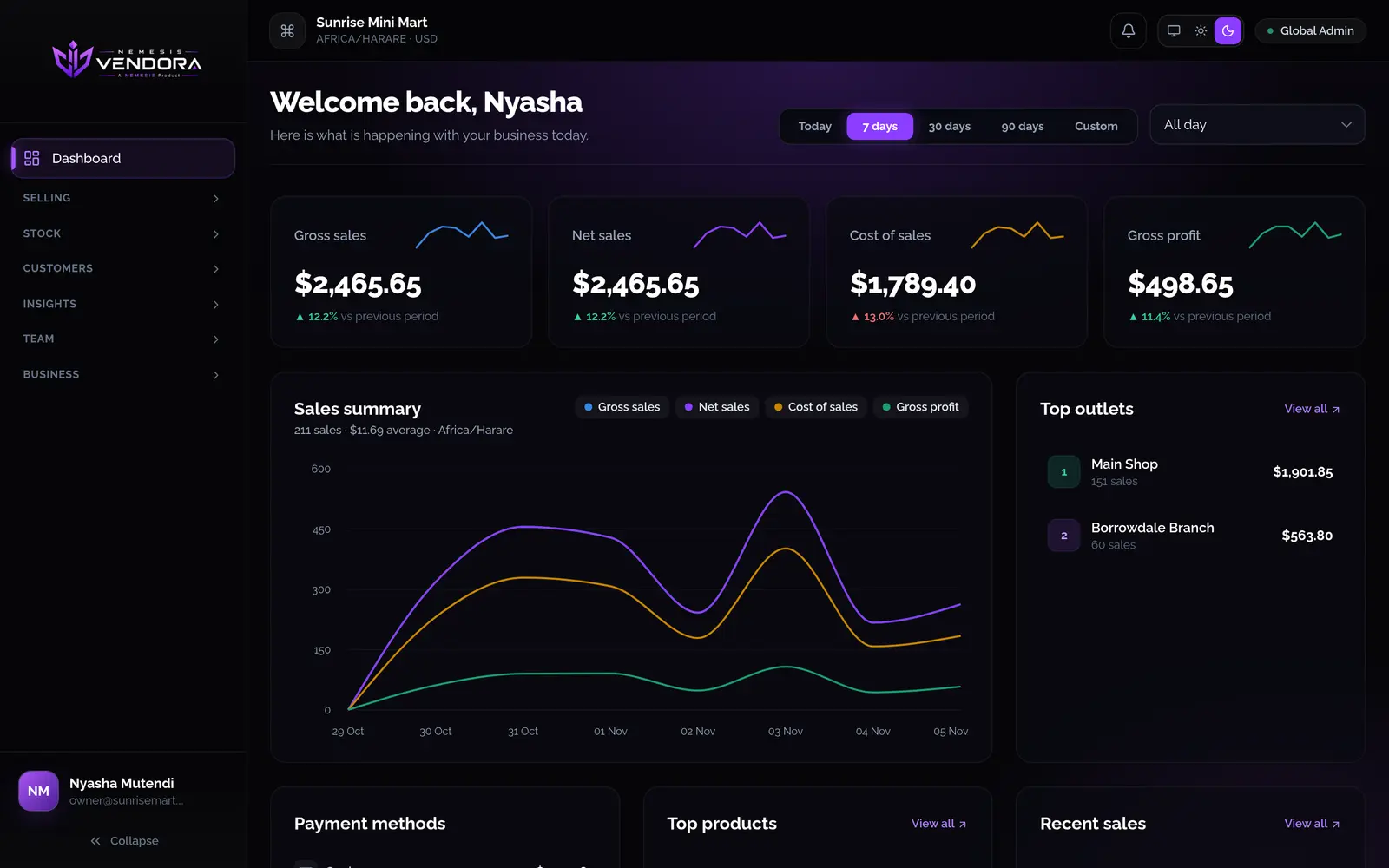
The dashboard
It opens on gross sales, net sales, cost of sales and gross profit, with a chart of sales through the day and your top outlets. Pick today, 7, 30 or 90 days, or your own dates, and all day or just part of it.
Sales reports
Receipts
All receipts, refunds and credit notes, voided receipts and products, online sales and manual receipts.
Sales
By day, by hour, by outlet, by cashier, by staff member, by payment method, plus a weekly trend.
Products
By product, by category and by modifier, and what each staff member sold.
Discounts and tax
By discount, tax by rate, tax and charges by product, and charges.
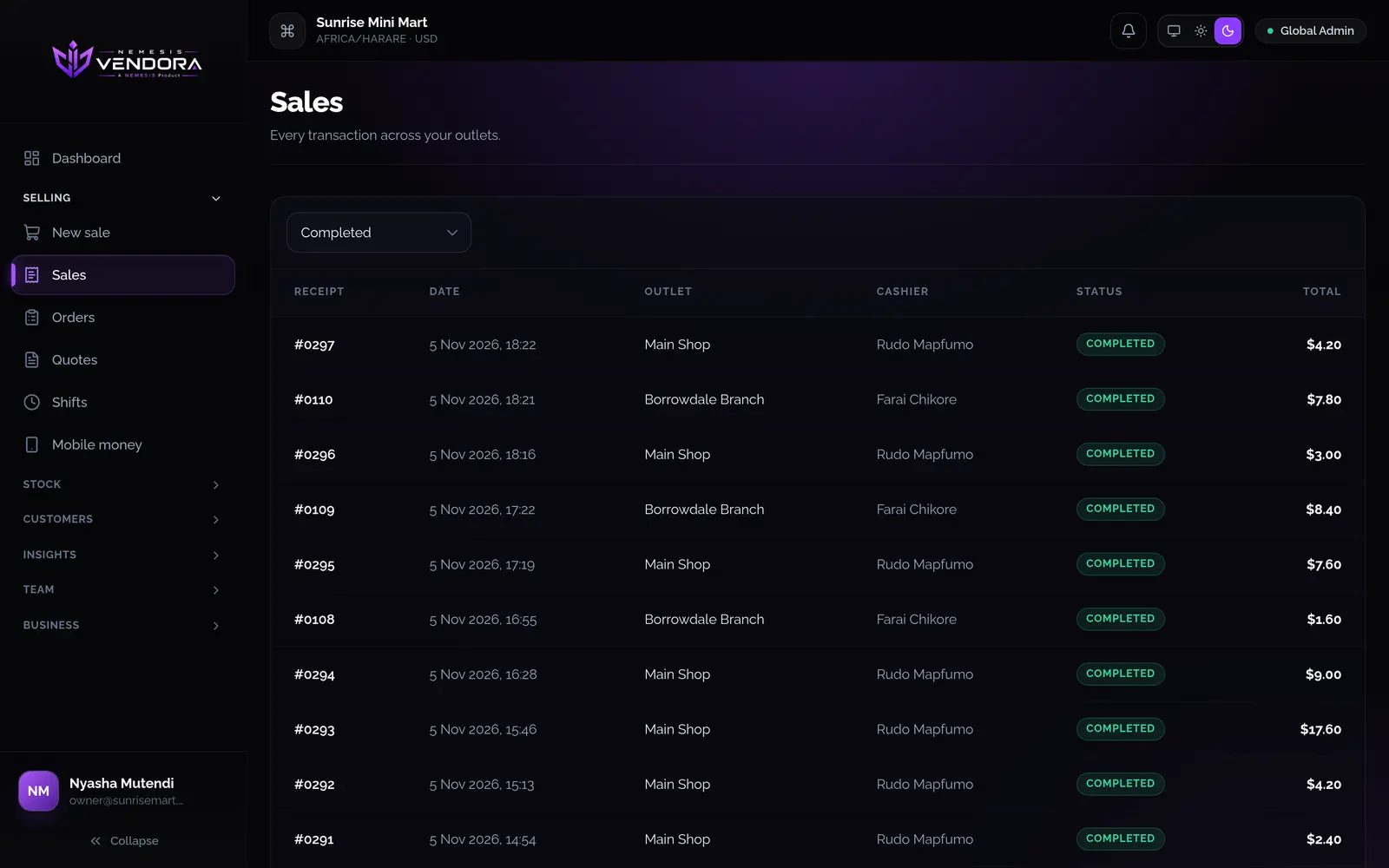
Stock reports
The history of every movement, expiry, valuation at cost and at selling price, a summary of what's held where, and a backdated report that shows what you held at a past date and time.
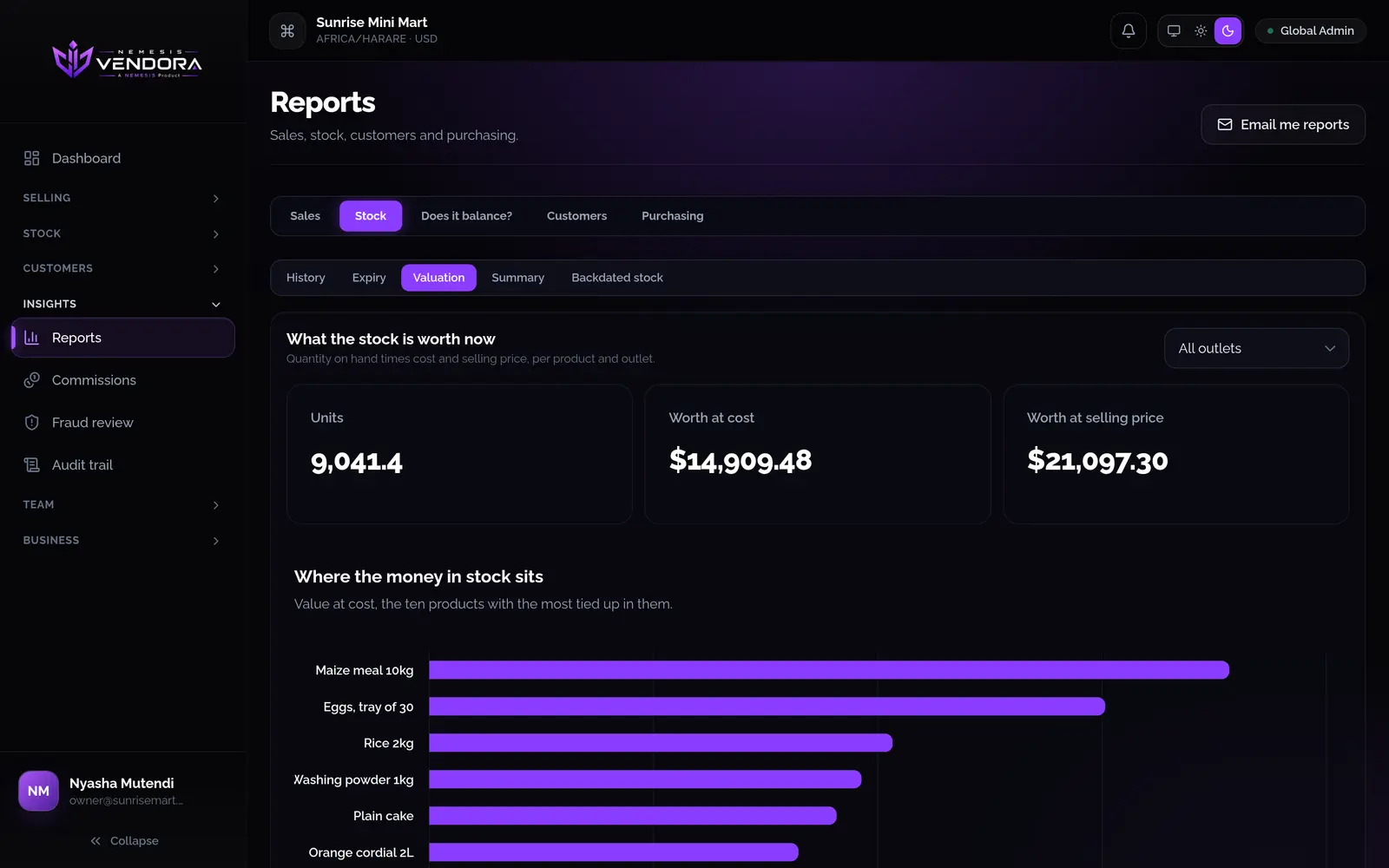
Does it balance?
One report checks that sales, payments, cash and stock agree for the period. If they don't, it lists the difference with the records behind it, so you can look for the cause instead of guessing.
Profit, customers and purchasing
- Gross profit is net sales, less tax, less what the goods cost you. Refunds come off.
- Customer reports show who owes you, credit movement, settlements and wallet balances.
- Purchasing reports show what you bought, from whom, and what you still owe.
- Choose "Email me reports" to get a summary on a schedule.
Questions people ask
Are reports in my time zone?
Yes. Reports and discount hours use each outlet's own time zone, so your day ends when your day ends.
Can I export the data?
Most reports export to CSV. On the phone, the export opens the share sheet so you can save the file or send it on.
Does gross profit include tax?
No. It's net sales, less tax, less the cost of the goods sold, with refunds taken off.