
Point of sale
This is the till you use all day. Scan or search for a product, take payment, print or email the receipt. Behind it, every sale is tied to a person, a shift and a receipt.
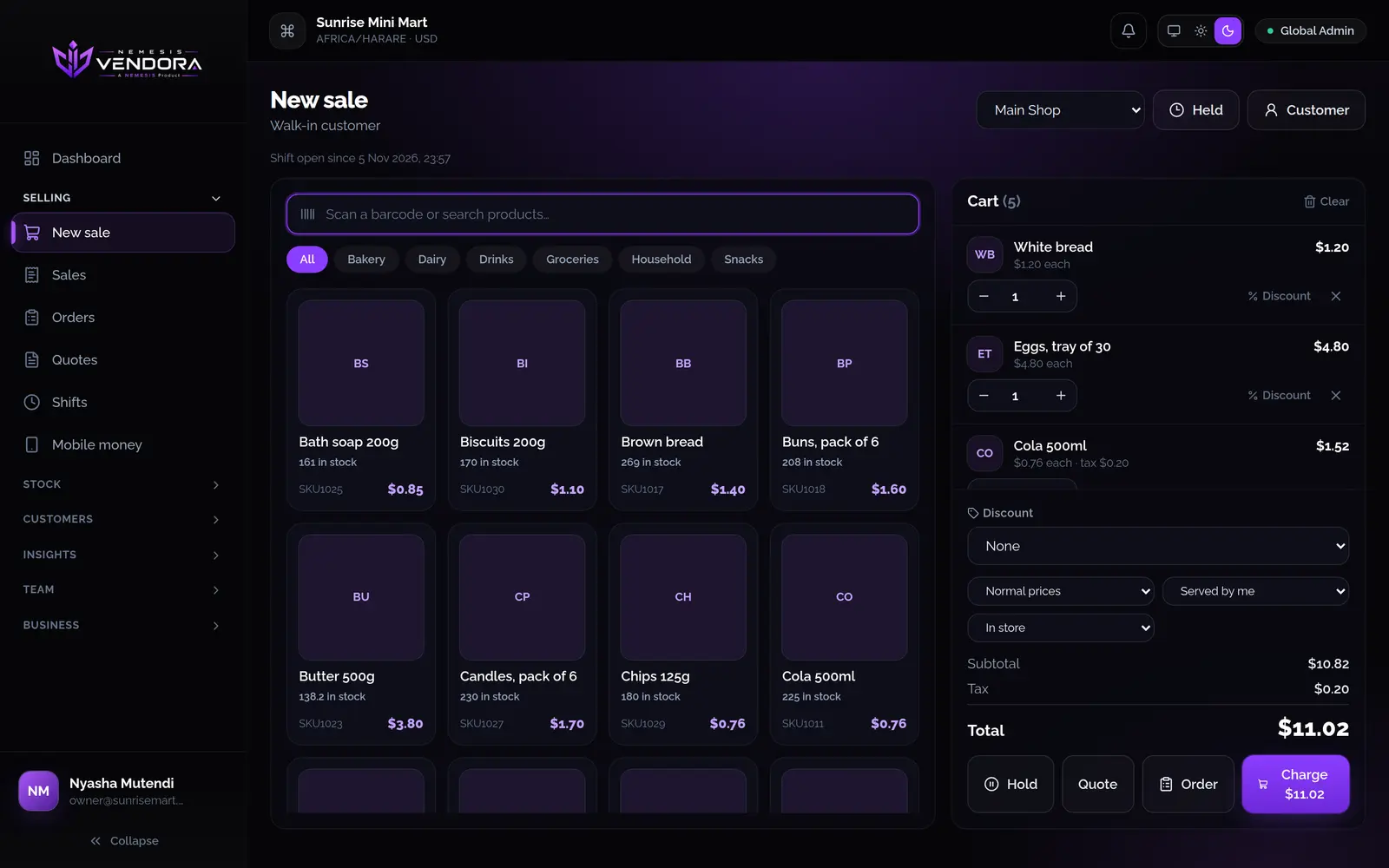
At the counter
Scan a barcode, or search by name, SKU or barcode, and tap the product. If a product has options like extras or sizes, different choices go on separate lines.
- Hold a sale while you serve the next person, then pick it up again.
- Add a customer to give them points, take payment from their wallet or put the sale on their account.
- Each product shows how many you have at that outlet. Something that has run out can't go on the cart, unless you've turned on selling with no stock.
- The server works out the total, so a cashier can't change what gets charged from their screen. Changing a price by hand needs a permission.
Taking payment
You can split one bill across several methods. For cash, the till shows the change to give, and you can tap the note the customer handed over.
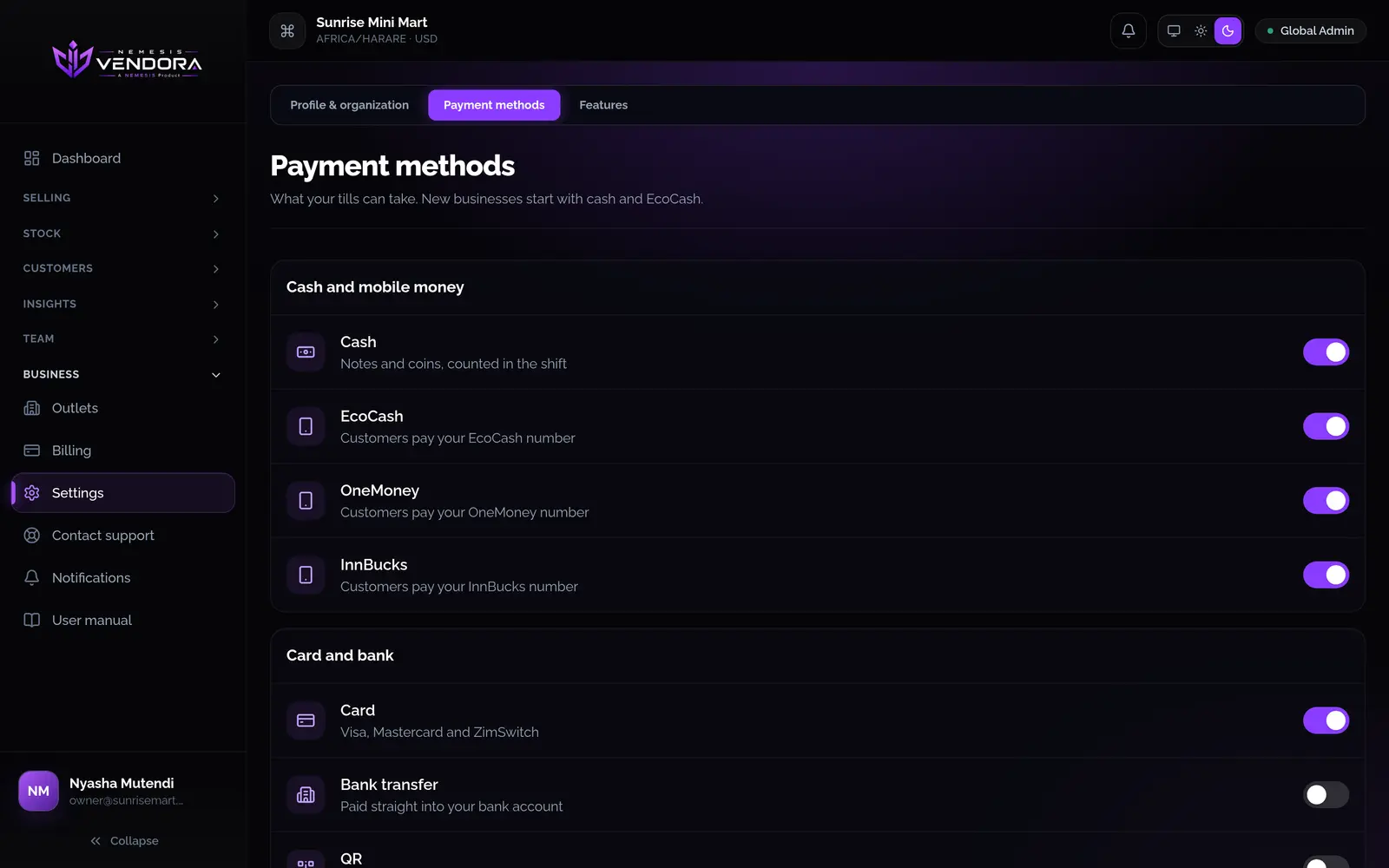
- New businesses start with cash and EcoCash. OneMoney, InnBucks, card, bank transfer, QR, store credit and on account can be switched on.
- For mobile money, the cashier picks which of your numbers the customer paid and types the reference. That makes it easy to match against your statement.
- Vendora records how the customer paid. The payment itself happens on the customer's phone or terminal.
- Only the methods you've switched on show at the till, and a change reaches every till straight away.
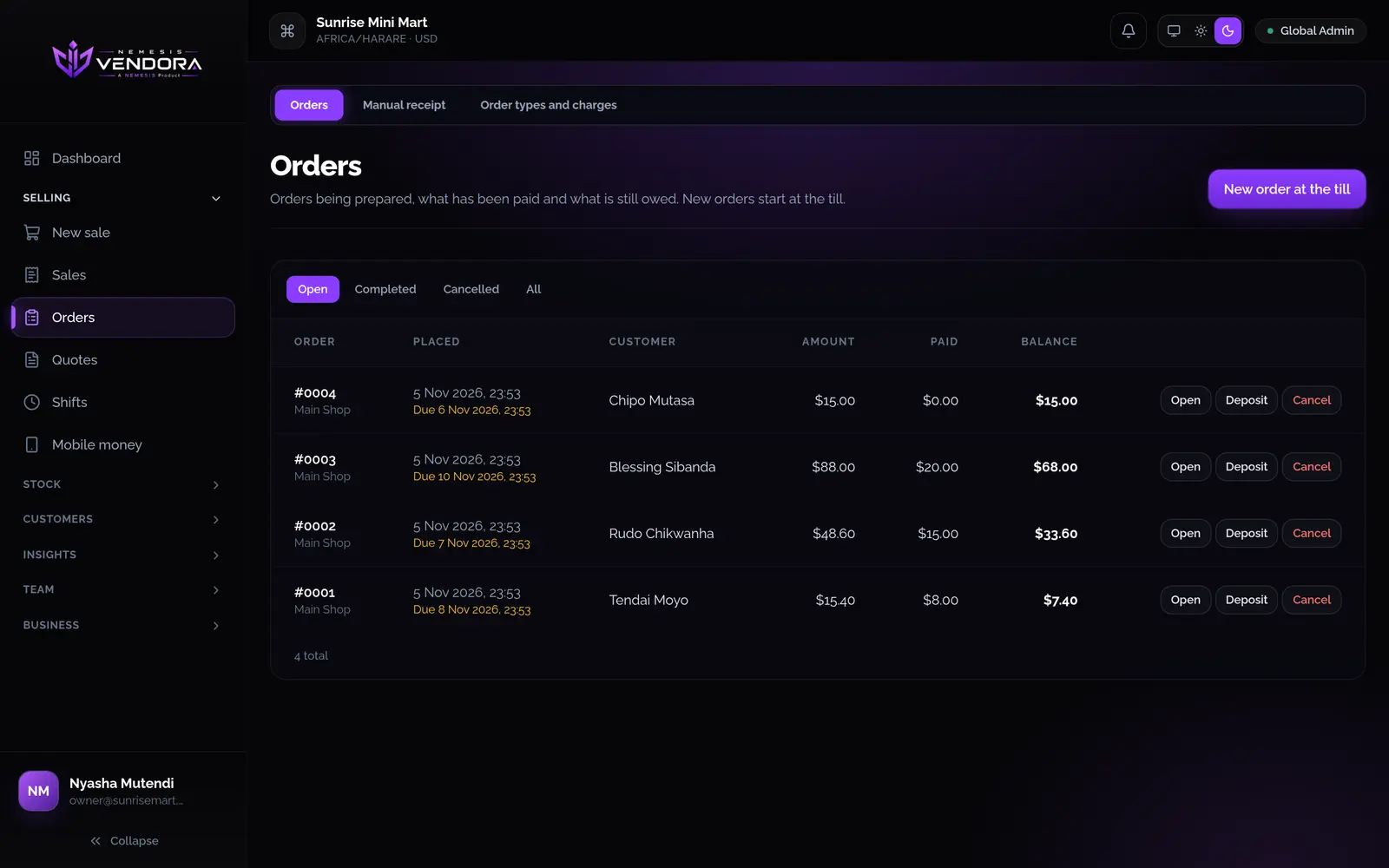
Orders and deposits
An order is a sale you prepare and get paid for over time, like a cake for Saturday. Take a deposit now and the balance later. Stock leaves when you complete the order, not when you place it.
- Each order shows what's been paid and what's still owed.
- You can change the items on an open order. If items come off, Vendora asks why and keeps the reason.
- Cancel an order and the deposits go back the way they came in.
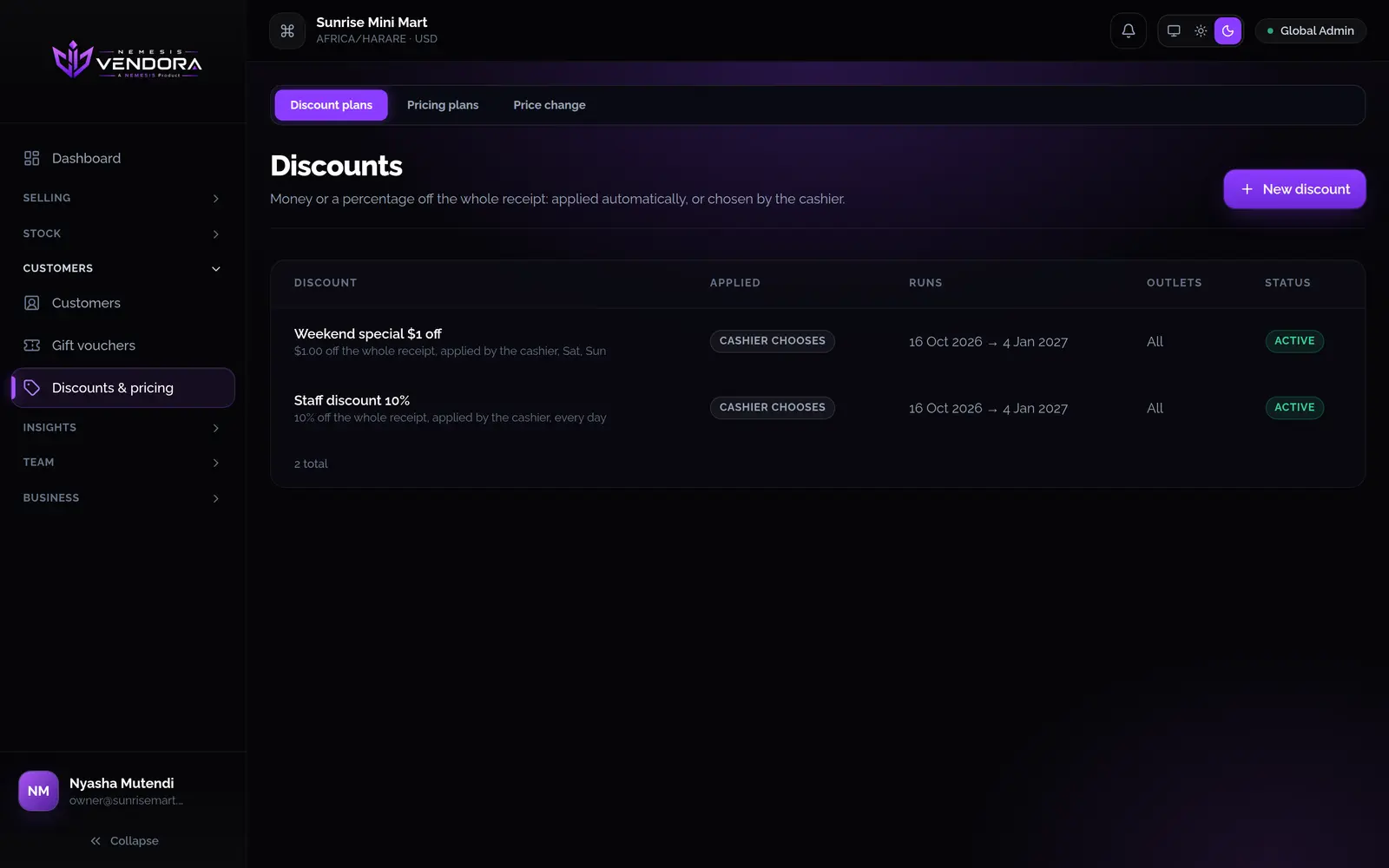
Discounts, price lists and charges
Discount plans
Money or a percentage off the receipt, for a happy hour, a weekend sale or a staff discount. They can apply by themselves or be chosen by the cashier. Days and hours follow each outlet's own clock.
Price lists
Keep retail and wholesale prices side by side. The cashier picks the list at the till, and anything that isn't on it sells at the normal price.
Charges and order types
Add a service or delivery charge after discounts and tax. Mark a sale as dine in, takeaway, in store, phone or online.
Refunds, voids and receipts
- Refund the lines you choose, up to what was sold, and give a reason. The stock goes back on the shelf.
- Refund onto the customer's wallet as a credit note if you'd rather not hand back cash.
- Void a sale with a reason. A sale that has been refunded can't also be voided, so stock and money never go back twice.
- Print or email a receipt whenever you like. Old receipts keep the names, prices and tax they were sold with, even if you change the product later.
- If you sold on paper during a power cut, enter the paper receipt afterwards and the stock comes off.
Shifts and cash
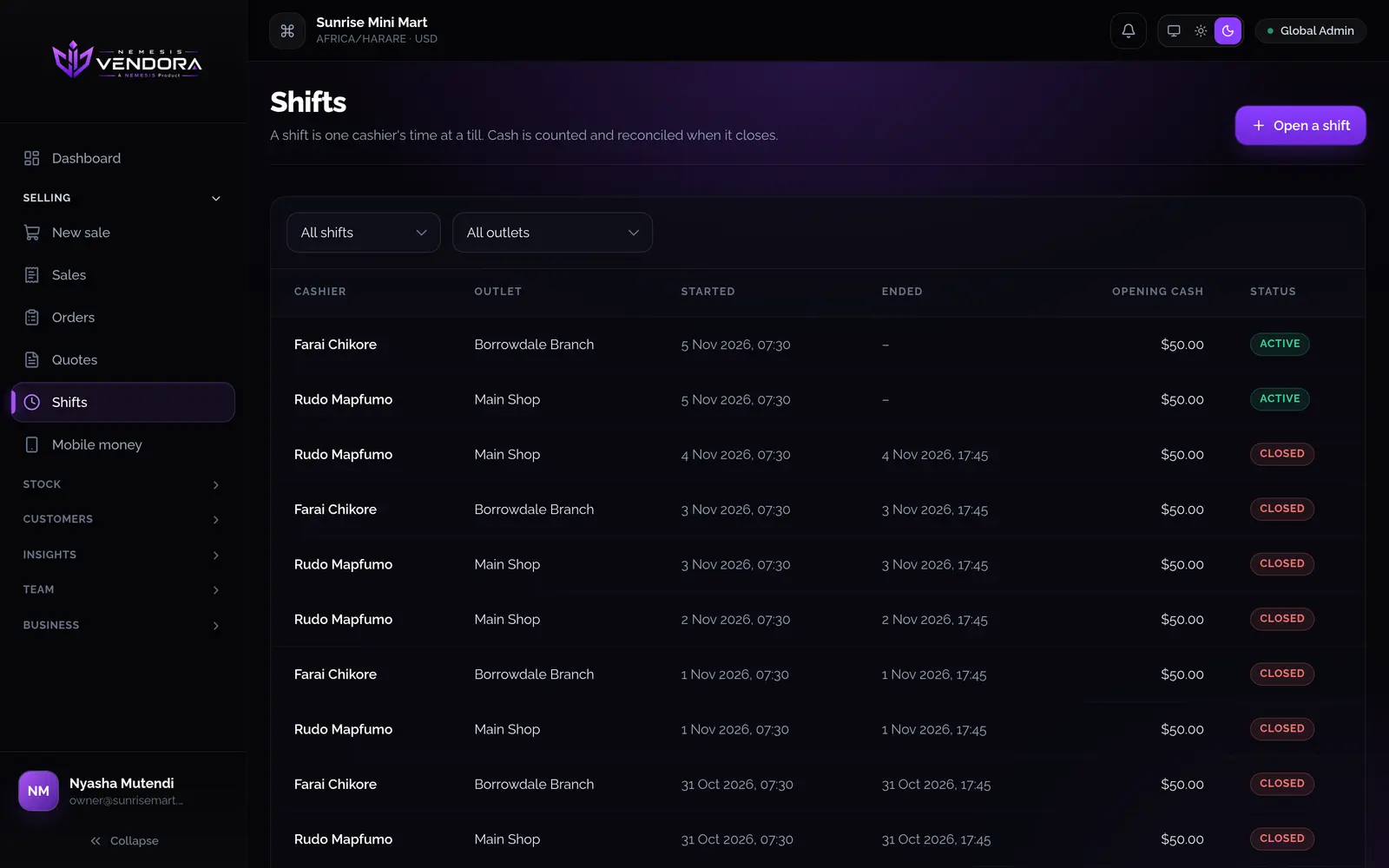
A shift is one cashier's time at a till. Count the float to open it. Record any cash taken out or put in, with a reason. Count the drawer to close it.
- Vendora shows what it expects in the drawer, and the difference once you've counted.
- A closed shift can't be reopened, so the record stays as it was.
Questions people ask
Can the till take split payments?
Yes. One bill can be paid with several methods, for example part cash and part EcoCash. The amounts have to add up to the total.
Does the till work on a phone?
Yes. The Android app has the same till, scans barcodes with the camera, and keeps selling when the connection drops.
Can a cashier change prices?
Only if their role allows it. Changing a price and giving a line discount are separate permissions, and you hand them out role by role.
When does stock come off?
When the sale is completed. For an order, when the order is completed.