
Vendora for retail shops
A shop depends on two numbers: what's on the shelf and what's in the till. Vendora keeps both up to date as you sell, so you spend less time counting and more time serving.
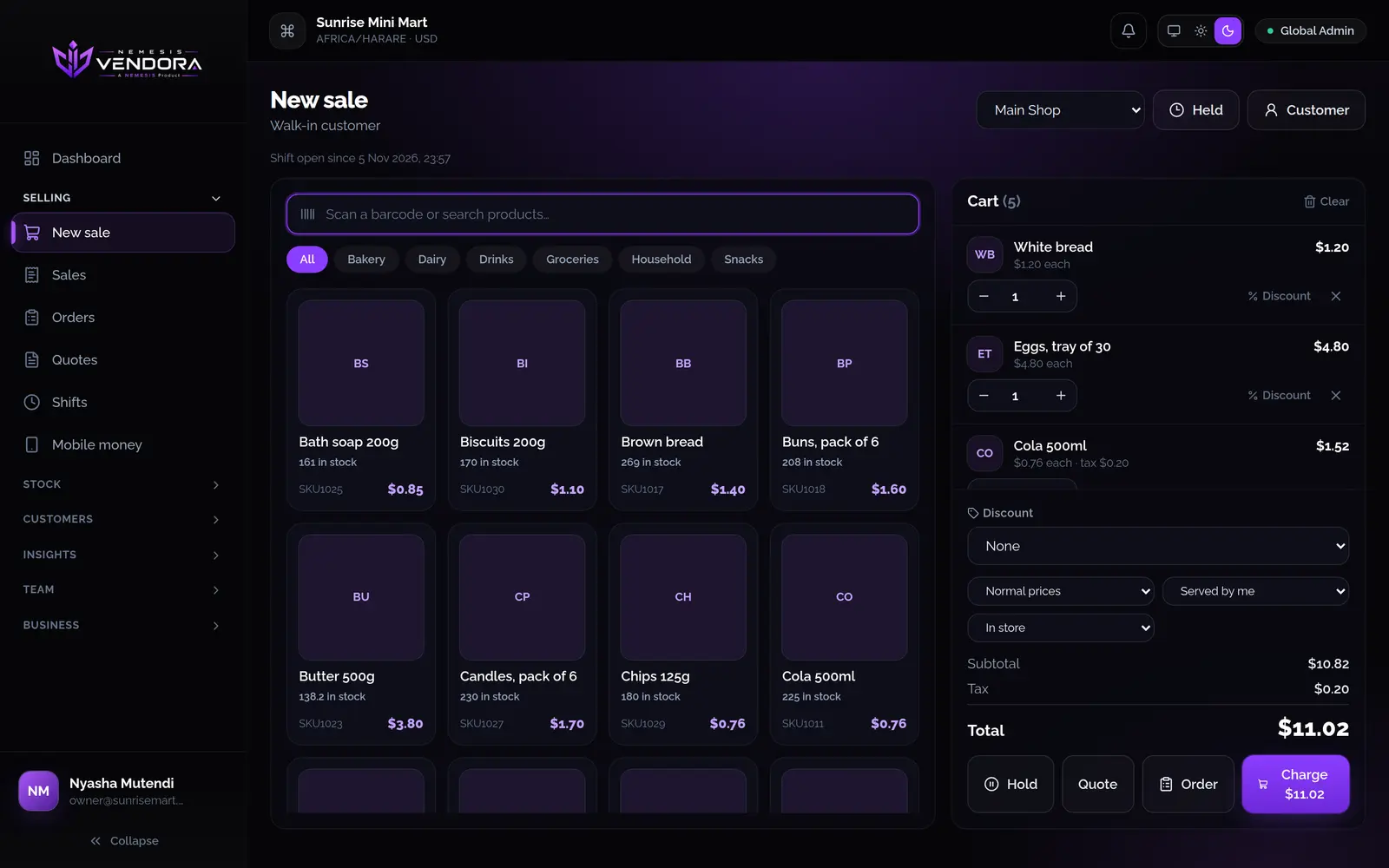
At the counter and on the shelf
- Scan barcodes at the till, with a USB scanner on a computer or the camera on a phone.
- Each sale takes its stock off at that outlet, and the stock card shows who and when.
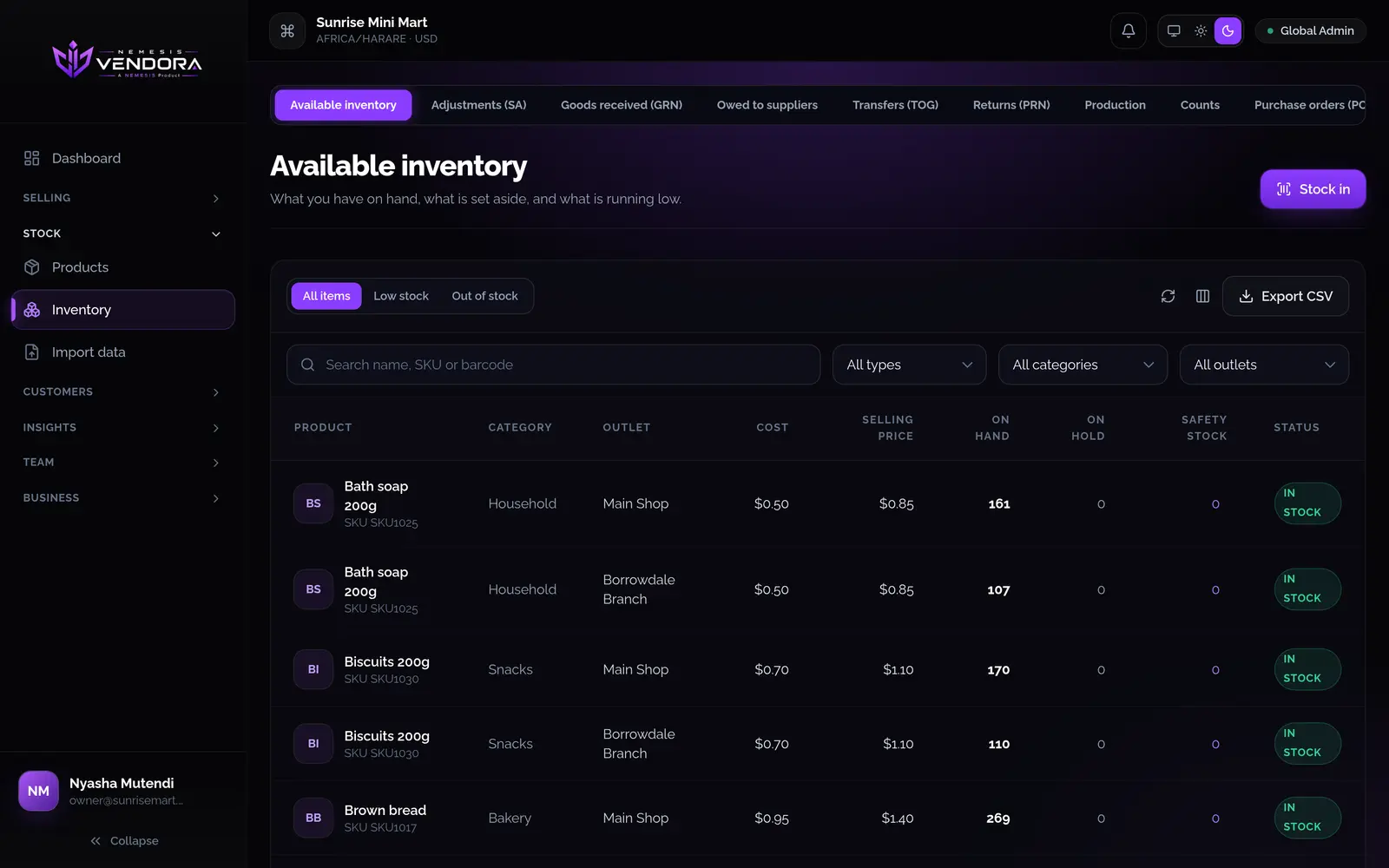
- Set a safety level on each product. The inventory list shows what's low or out of stock.
- Count the shelf when the shop is quiet. Stock only changes when you approve the count.
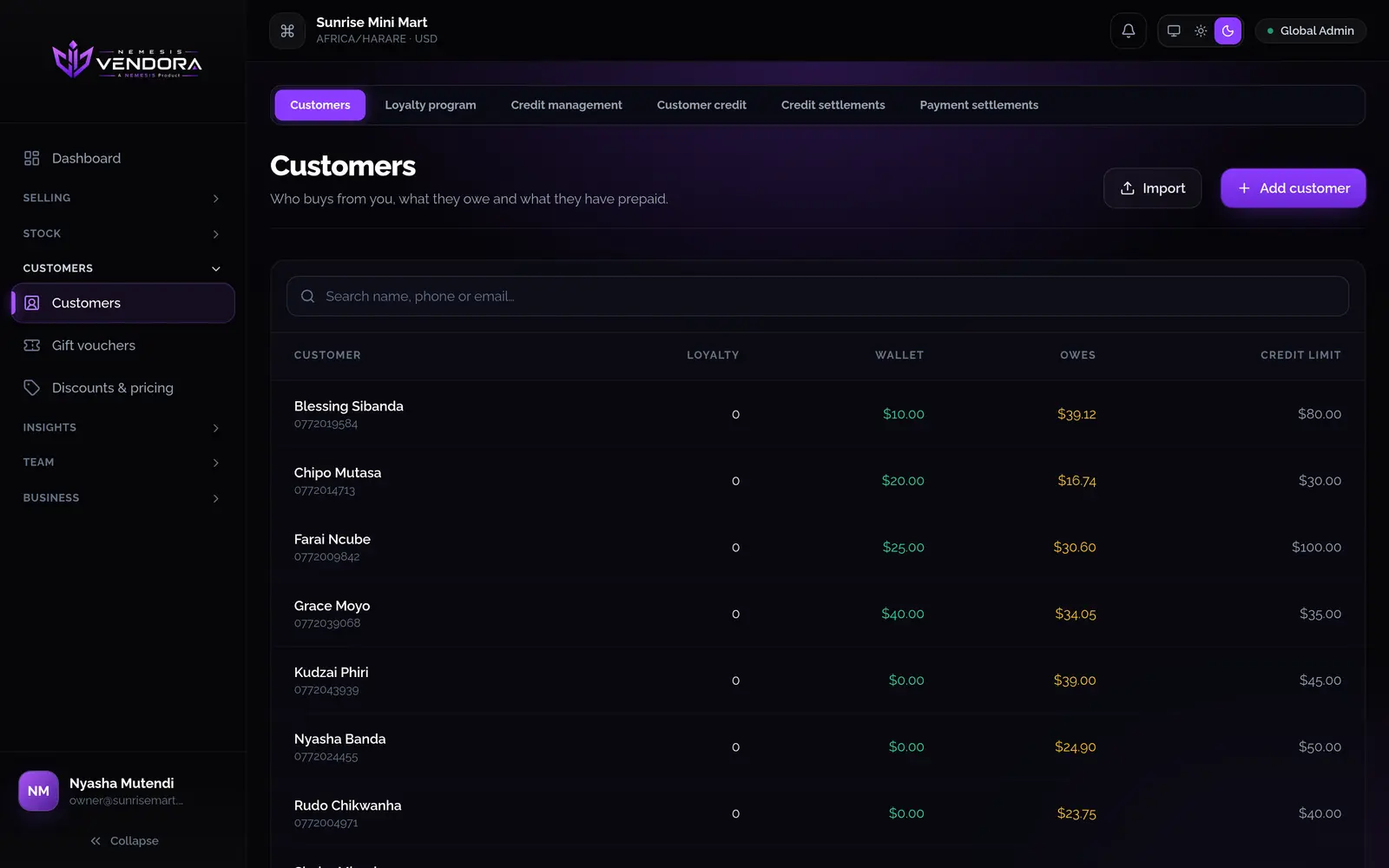
Your regular customers
Keep a record for each customer, with a prepaid wallet, a credit limit if you want one, and loyalty points. When someone pays off what they owe, you record it and the balance updates.
More than one shop
Add each branch as an outlet with its own stock, time zone and devices. Move stock between outlets and compare sales by outlet in one report. How many outlets, devices and staff accounts you can have depends on your plan.
Starting from a spreadsheet
Import your products and customers from CSV or Excel, including opening stock and opening debt. A preview shows what will happen before anything is saved.
Questions people ask
Can I use my own barcode scanner?
A USB scanner works at the till on a computer. The phone app scans with its camera. A barcode names one product, so you don't type a product's details twice.
Can I run two shops from one account?
Yes. Each shop is an outlet with its own stock. You can look at reports for all outlets together or one at a time.